


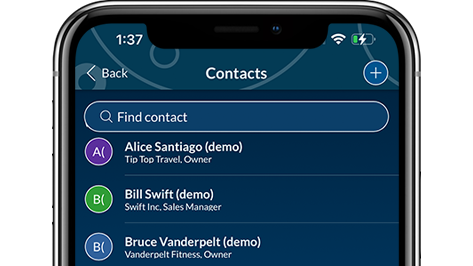
Manage contacts, activities, and opportunities on-the-go from any Apple iOS or Android device.
Note: Once downloaded, Act! installation files are saved to default location determined by the version of Windows® you are running. The Act! installation panel appears automatically when the download is complete.
Choose your preferred access method(s):
Act! – Windows® client
Download the client if you want to run Act! on a Windows® computer or if you are a Cloud user installing an offline client.
International English
(US, CA, LA, UK, EU, AU, NZ)
(version 22.1, 1.2 GB)
Note: Once downloaded, Act! installation files are saved to default location determined by the version of Windows® you are running. The Act! installation panel appears automatically when the download is complete.
Act! – Web client
Download the client if you also want to set up a web server so that users can access information in Act! via and internet browser and from supported mobile devices
International English
(US, CA, LA, UK, EU, AU, NZ)
(version 22.1, 1.7 GB)
Quick Tip! Reference the Web Administrator’s Guide for detailed information and instructions.
Act! Premium Web API
The Act! API now installs automatically with Act! Premium (Windows and Web clients). If you are using the Act! Premium Web client and need to reinstall the API, it can be downloaded below: