|  
PRODUCTS & SOLUTIONS
SUPPORT & SERVICES
USER COMMUNITY
PARTNERS
COMPANY
BUY ONLINE

Upgrade Center

Home > Upgrade

Work More Effectively with ACT! by Sage 2009 (11.0) Solutions

Feedback from customers like you who work with ACT! every day is invaluable to us—in fact, we rely on it when we develop new versions. We observe how customers work with ACT! and ask what would help them work even more effectively. Experience the results for yourself with ACT! 2009 solutions.

Why Upgrade?

  • Tighter Microsoft® Outlook® integration provides options for tracking and organizing e-mail.
  • Greater calendar and activity visibility help you stay on top of your day.
  • Powerful lookups and search functionality quickly give you the details you need.
  • More database functions and automation options1 help maintain ACT! data.

Limited Time Offer - Free Shipping & Free Training!*
Upgrade to ACT! 2009 and get free shipping and a free ACT! Anytime Learning training course. (A $34.90 value.) *Offer expires 6/30/09.

Upgrades to ACT! by Sage and ACT! by Sage Premium can be purchased through the eStore or by calling 866-903-0006.

ACT! Premium–Corporate Edition (ACT! Premium and ACT! by Sage Premium for Web) can be purchased through the ACT! Corporate Program only.
For more information, visit the Corporate Program page or call 866-903-0006.

Receive powerful new features and significant enhancements to areas of the product that you use every day:

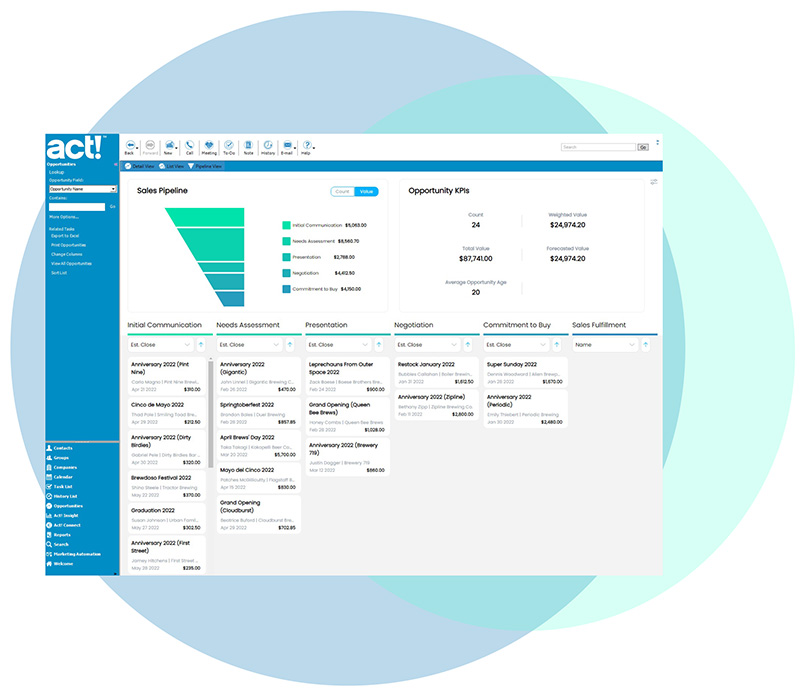
Better Track and Organize E-mails, Plus Your Schedule
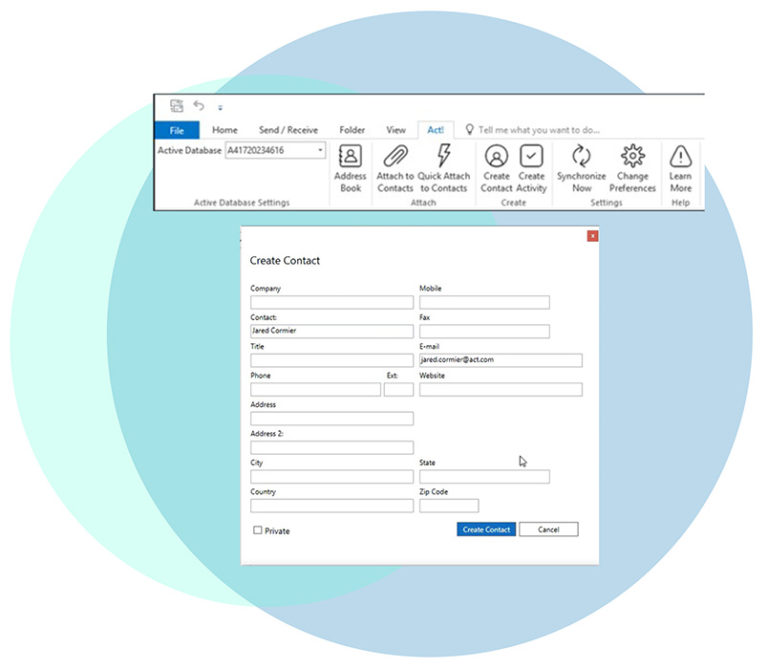
Tighter Microsoft® Outlook® integration1 features afford you the flexibility to track and organize e-mails in ACT! en masse or on a case-by-case basis. Or you can automate these functions so you can set them once and forget about them. Additionally, calendar integration features enable you to create ACT! activities from Outlook for tracking important action items received via e-mail, and copy your ACT! and Outlook calendars automatically2 or with just one click.

Understand Existing Relationships Between Your Customers
The new Related Contacts3 feature allows you to connect contacts to one another, define the nature of the relationship, and enter any additional details about the relationship. For instance, you can define influential relationships between two contacts that may work with different companies, but are business partners.

Find the Exact Details You Need
Lookups and search functionality have been simplified, helping you find the particular contact or contact details you need quickly, in one lookup-friendly place. Build the most basic or complex searches using a tool that has been simplified and enhanced. And easily recall recent lookups to save time in your day.

Get More Done in a Day
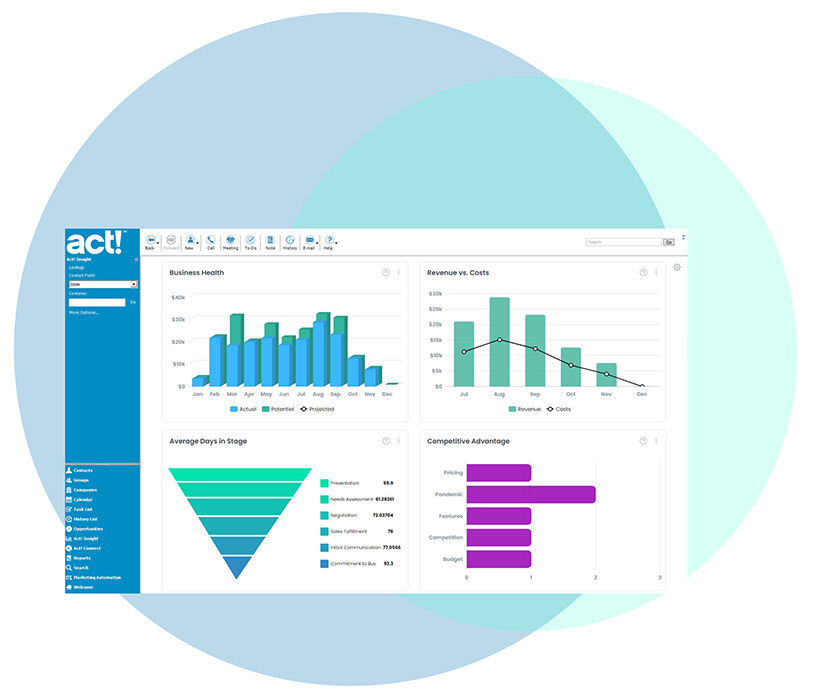
Productivity enhancements include improved calendar printing and viewing, Dashboard drill-down functionality, a "Yesterday" filter on Task and Opportunity List views, a history icon on the standard ACT! toolbar, and additional options for alarm reminders.

Enjoy Streamlined Installation and Improved Database Functions
The ACT! installation experience has been streamlined, requiring fewer clicks to get started. And ACT! handles periodic database maintenance tasks automatically, offers automatic scheduling, provides a streamlined ACT! sync progress bar, and more.


1. During setup, users must select if they want to access Outlook e-mail through the ACT! E-mail client or direct integration with Outlook. ACT! must be added as an Outlook address book to use this feature.
2. This feature is not available in ACT! Premium for Web.
3. If you are a current ACT! user, you must add this tab to your layout in order to view it.

ACT! Sales

Contact an ACT! Sales Representative
866-903-0006

Try ACT! Now


Sage CRM Solutions